Studio / booking platform / admin

BYTHECLOUD
Studio booking
platform

Session rules, staff, location, deposits, reminders, and account bookings stay in one flow.

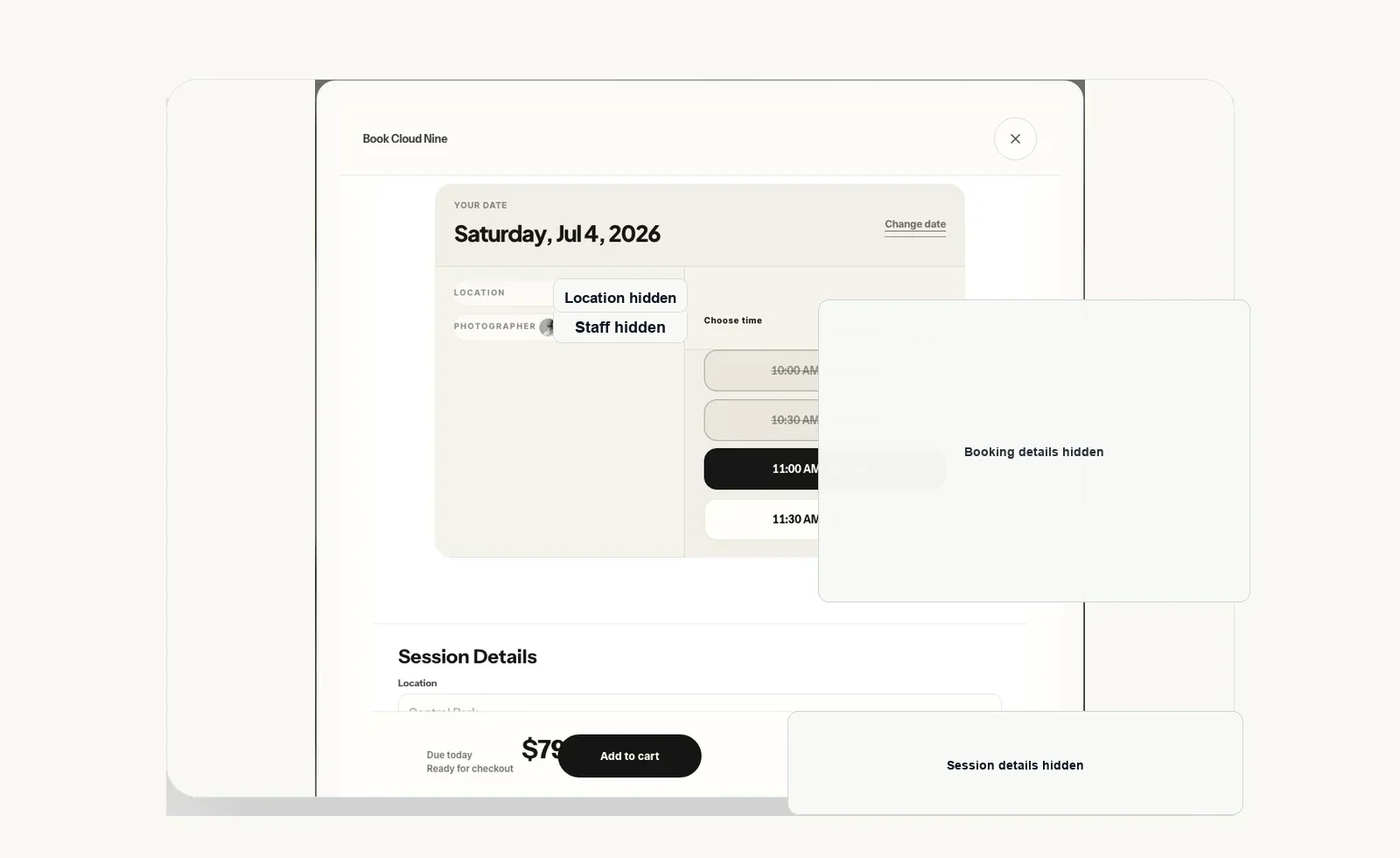
BYTHECLOUD Studio booking platform screen
BYTHECLOUD Studio booking screen. Sessions, cart, account bookings, and payment guidance stay connected.
Session standardSession CMS

Sessions, options, descriptions, prices, visibility, and SEO fields are managed from admin.

Booking flowBooking calendar

Service duration, buffers, staff schedule, and location rules are reviewed together.

On-site rulesStaff schedule

Studio, outdoor, travel, and staff block rules are included in booking decisions.

Payment guidanceDeposit/reminders

Deposits, balance notes, email reminders, and recovery links are connected to the client flow.

How this differs from adding a booking app

Studio booking is more than choosing an open time. Session type, shoot duration, travel rules, staff schedule, cart, deposits, balance guidance, client accounts, and reminders need to follow the same operating standard.

Wix / Shopify / booking apps Booking screens and checkout can launch quickly.

Session options, travel rules, balance notes, account bookings, email logs, and SEO fields can split across tools and manual notes.

BYTHECLOUD approach Build the session rules first, then connect the booking flow.

Session CMS, booking calendar, staff schedule, location/travel rules, deposits, reminders, and SEO fields are organized around one admin standard.

Operating scope

Session CMS

Session types, options, prices, descriptions, imagery, visibility, and multilingual SEO fields are managed from admin.

Booking calendar

Service duration, buffers, available times, and admin review states are structured together.

Staff schedule

Staff availability, time off, manual blocks, and booking change rules are reflected in scheduling.

Location/travel

Studio, outdoor, and travel-session timing are included in the booking flow.

Deposit/balance

Deposits, balance notes, e-transfer memos, and client-initiated payment links are kept separate and clear.

Account bookings

Clients can return to their account to review booking status, schedule, and preparation notes.

Reminders/email

Booking notes, balance reminders, email templates, and send logs are connected to operations.

SEO operations

Session pages, local search, titles/descriptions, and schema fields follow the actual service structure.

Operating flow

01Set session rules

Session type, duration, price, options, and location rules are defined first.

02Calculate availability

Service duration, buffers, staff schedule, and travel rules are reviewed together.

03Connect payment and notices

Deposits, balance notes, email templates, and account bookings sit in one flow.

04Reflect search and content

Session pages, photos, blog content, and SEO fields use the same service standard.

Operating standard

The point is to keep the operator from reconciling sessions, bookings, client notes, payment status, and search copy in separate places. When a session changes, booking duration, buffers, staff schedule, client reminders, and SEO copy should follow the same rule.

A booking app can be an intake window. A custom operating system also handles the session rules and client guidance behind the booking.

Related work

604.376.2359Contact